
Squarespace handles the technical groundwork for you: readable code, a sitemap it builds and updates on its own, free SSL on connected domains, and a mobile layout (Squarespace). The titles, the page descriptions, the URLs, and the writing are still yours. There is a real ceiling, & the Squarespace owners who’ve called me reached it later than the plugin ads suggest.
What Squarespace Already Does, Before You Touch Anything
Before the ceiling, the floor Squarespace lays for you, and three words it uses to describe it. To crawl is for Google to send a program around your site reading pages. To index is for Google to file what it read, so it can hand your page to a searcher. A sitemap is the list telling the crawler where your pages live.
Squarespace creates and updates that sitemap for you, & its documentation says you don’t need to submit one manually (Squarespace). It also formats your code so search engines can read the shape of a page, and tags headings correctly (Squarespace).
A few more things happen without you: extra connected domains redirect to your primary one, and meta tags and image alt text come from your image description, or the file name if you left it blank (Squarespace).
There is also structured data, the labeling that tells Google “this is a blog post” or “this is a local business.” Squarespace generates it across blog post, event, local business, organization, product, and website (Squarespace).
Core Web Vitals are Google’s three loading-and-stability measurements, & HTTP Archive publishes how real Chrome users experience them platform-wide. Reading that report on 2026-08-29, about 7 in every 10 Squarespace origins passed all three on mobile, with a median Lighthouse SEO score of 92 out of 100 (HTTP Archive).
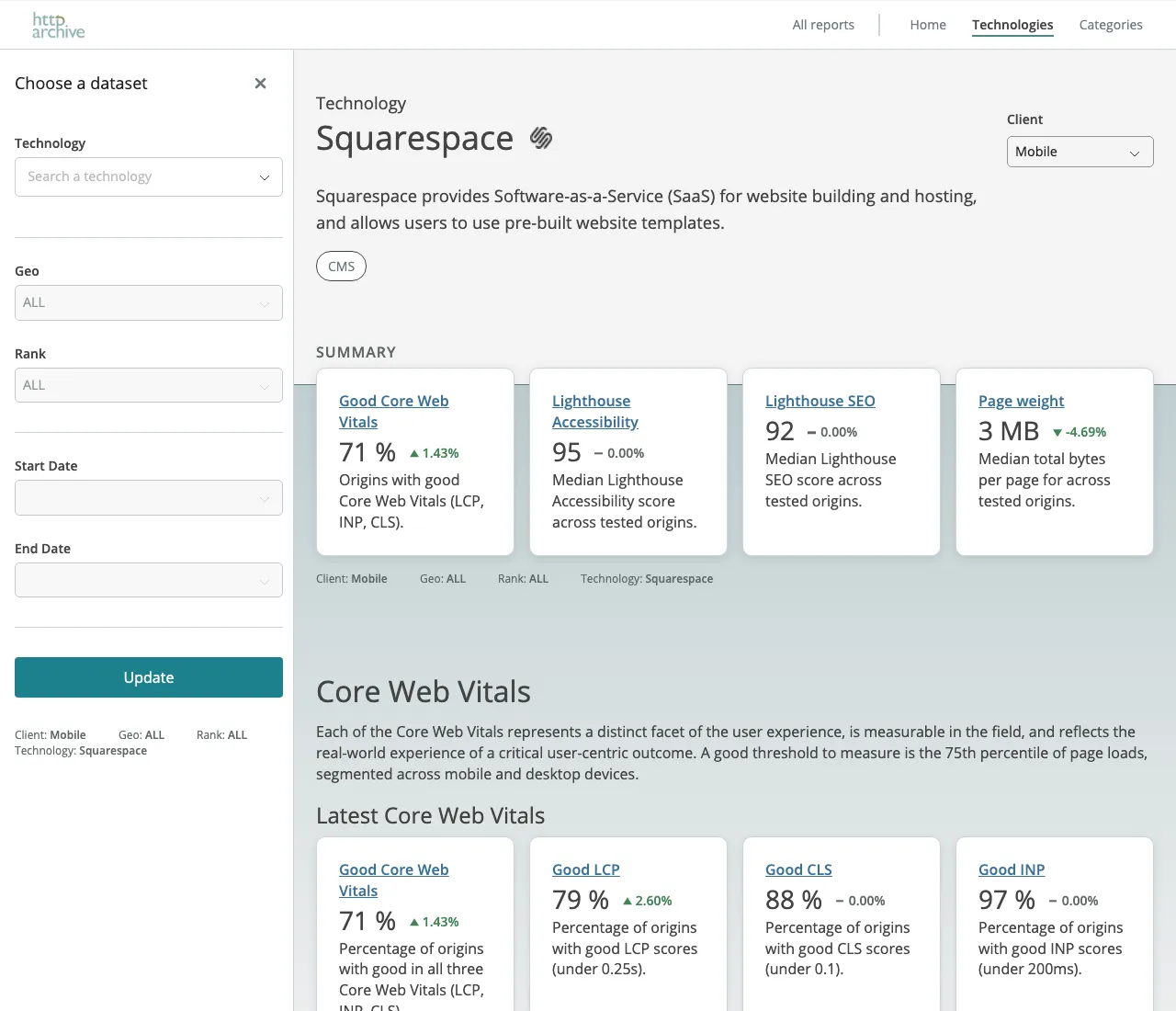
The report itself, filtered to Squarespace on mobile. Nobody selling a plugin publishes this dashboard. Source: httparchive.org.
Bookmark that report and reread it when a plugin ad worries you. So my answer to “is Squarespace good for SEO,” after the docs and that report: it covers most of the technical angle, one of the four types of SEO & the one you were least likely to do yourself.
What It Hands You, and Still Expects You to Fill In
Squarespace names two things it leaves to you: writing SEO descriptions, and switching SSL on in your domain settings, since it says sites without SSL may rank lower (Squarespace).
Its own pre-publish checklist adds the rest: a site title even if you use a logo, under 60 characters with a keyword in it, plus a description of roughly 50 to 300 characters on every page (Squarespace).
Then check your URLs, the one I see missed most on the sites people bring me. If you save a blog post, product, or event before adding a title, the URL slug becomes a random string of characters (Squarespace). A slug is the tail end of a web address, the part after the slash. Draft a post at midnight, name it in the morning, and you can ship a page whose address is gibberish while the title looks perfect.
On version 7.1 sites an SEO report tool scans for missing alt text and page descriptions and suggests fixes (Squarespace). It finds the blanks for you, & filling them is an afternoon worth setting aside, then one pass on every new page before you hit publish. Past those blanks the platform stops handing you tools and the ceiling starts.
The Real Ceiling: What Squarespace Won’t Let You Do
Code injection, the panel where you paste HTML or a script into your pages, is available on the Core, Plus, Advanced, and some legacy billing plans (Squarespace). So a fix a developer would make in two minutes depends on which plan you are paying for.
Structured data is the other limit: those six schemas help until your business needs a label they don’t carry, & the documentation says you can’t edit or remove them (Squarespace).
Squarespace has drawn a line at support too: its Customer Support can’t assist with SEO strategy or guarantee results like ranking changes (Squarespace).
Underneath all of it sits the rent: on a builder you can’t take the code with you, which is the ownership question in another form. I build custom sites, so I’m the person a Squarespace owner calls when the ceiling turns out to be real. Usually, though, the self-check at the end of this post finds the real problem first: a slug, a missing description, or a page that hasn’t been written yet.
About That AI Search Feature
Before that self-check, one more pitch to read past: the AI one. Squarespace markets an AI Visibility tool that scores how often your site gets mentioned in ChatGPT and Gemini answers, and it claims to have been the first website builder to integrate directly with Google Search Console (Squarespace’s own marketing page). Both are the company describing itself on a page that sells the product, so I read them as the pitch and went to the support docs for the setting that matters.
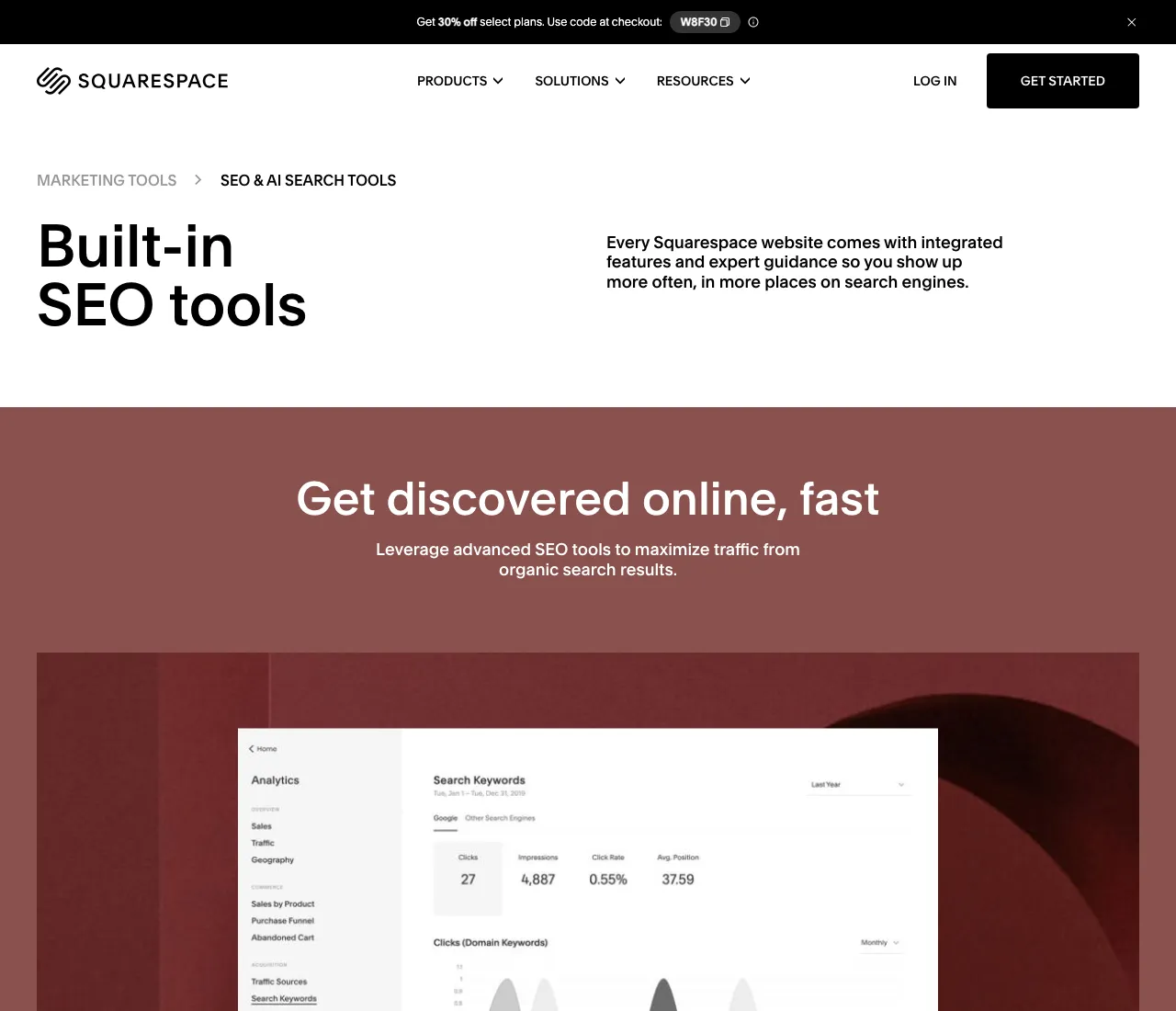
The pitch in question, from Squarespace’s own marketing page. The support documentation two sections up is the plainer read. Source: squarespace.com.
That setting is a checkbox: Settings has a Crawlers panel with a box labeled “Block known artificial intelligence crawlers,” and if that box is checked your content is unlikely to appear in those answers (Squarespace). The first thing I’d open today is Settings → Crawlers, to see whether that box is on.
Squarespace’s own heading on that page is “SEO strategies still apply,” and it lists indexing, page titles, alt text, site structure, and page speed as the work that carries over (Squarespace). Google agrees from the other side: its generative features run on the core Search ranking systems, and a page has to be indexed and eligible for a snippet before it can show up in them (Google).
So when a plugin ad tells you Squarespace’s locked schema is costing you AI visibility, Google’s own guide says structured data is not required for its generative AI features (Google). The acronyms behind that pitch are in answer engine optimization, and the short version is that the same indexed page feeds Google’s answers and Google’s results.
Wix or Squarespace: Does the Platform Decide Your Ranking?
This is the second question in Google’s own box below, & from what I’ve seen the platform matters less here than the debate around it. Both platforms clear the technical bar for an ordinary business site, so what separates two sites in the same city is usually the pages, the reviews, and who has been at it longer.
Google’s own hiring guidance says no one can guarantee a #1 ranking (Google), and that holds whichever logo is on your billing page. If you are weighing a move, weigh it on the ownership question in who owns my domain name rather than a ranking promise. Google does name one good moment to bring in help: when you are considering a redesign or launching a new site (Google).
When the Platform Is the Limit, and When the Work Is
Before you weigh a redesign, three checks I’d run on your site this week:
- Read the address bar on your three most important pages.
- Open the SEO panel and check each has its own description.
- Search your business name and read what comes back.
If any of that is blank or wrong, the platform is doing its part, & the fix is yours to make.
The platform is the limit when you can name the thing it blocks: a script your plan won’t let you add, a schema type you need and can’t reach. If you can’t name it yet, start with the blanks the three steps found; on the sites I’ve looked at, those cost more customers than the ceiling does.
Google says a small local business owner can probably do much of this work themselves (Google). If you picked Squarespace to launch fast and wonder what comes next, SEO for startups walks the first ninety days.
FAQ
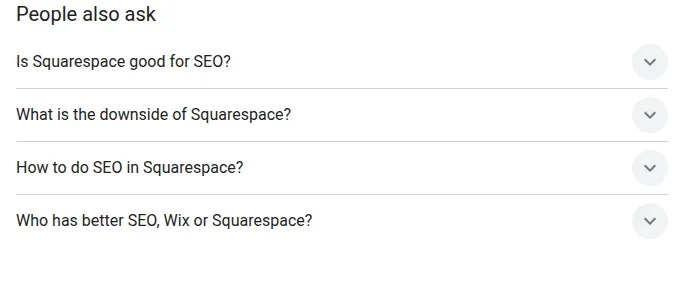
The People also ask box for this search, captured the day this was written. These are the four questions below, in Google’s own order. Source: Google search results.
Is Squarespace good for SEO? For the technical angle, yes: it builds the sitemap, structured data, mobile layout, and clean code for you (Squarespace), and about 7 in every 10 Squarespace origins pass all three Core Web Vitals on mobile (HTTP Archive). The titles, descriptions, and writing are still yours to do.
What is the downside of Squarespace? The ceiling. Code injection is available on the Core, Plus, Advanced, and some legacy plans (Squarespace), the automatic structured data can’t be edited or removed, and Customer Support can’t assist with SEO strategy (Squarespace).
How to do SEO in Squarespace? Work its own pre-publish checklist: a site title under 60 characters with a keyword in it, a description of roughly 50 to 300 characters on every page, clean URL slugs before you save, and SSL switched on (Squarespace). Then write the pages a customer would search for.
Who has better SEO, Wix or Squarespace? Both clear the technical bar for an ordinary business site, so the ranking difference usually comes from the pages, the reviews, and who has been at it longer. No one can guarantee a #1 ranking on either platform, and Google says so in its own hiring guide (Google).
If you would rather have someone look at your site with you, I do a paid consultation for $125 an hour, and you leave with the list whether or not you hire me afterward. You can read how I work at my St. Louis SEO company page.
I hope this helps.